
How To Integrate Smart Cameras Into Your Smart Home Setup
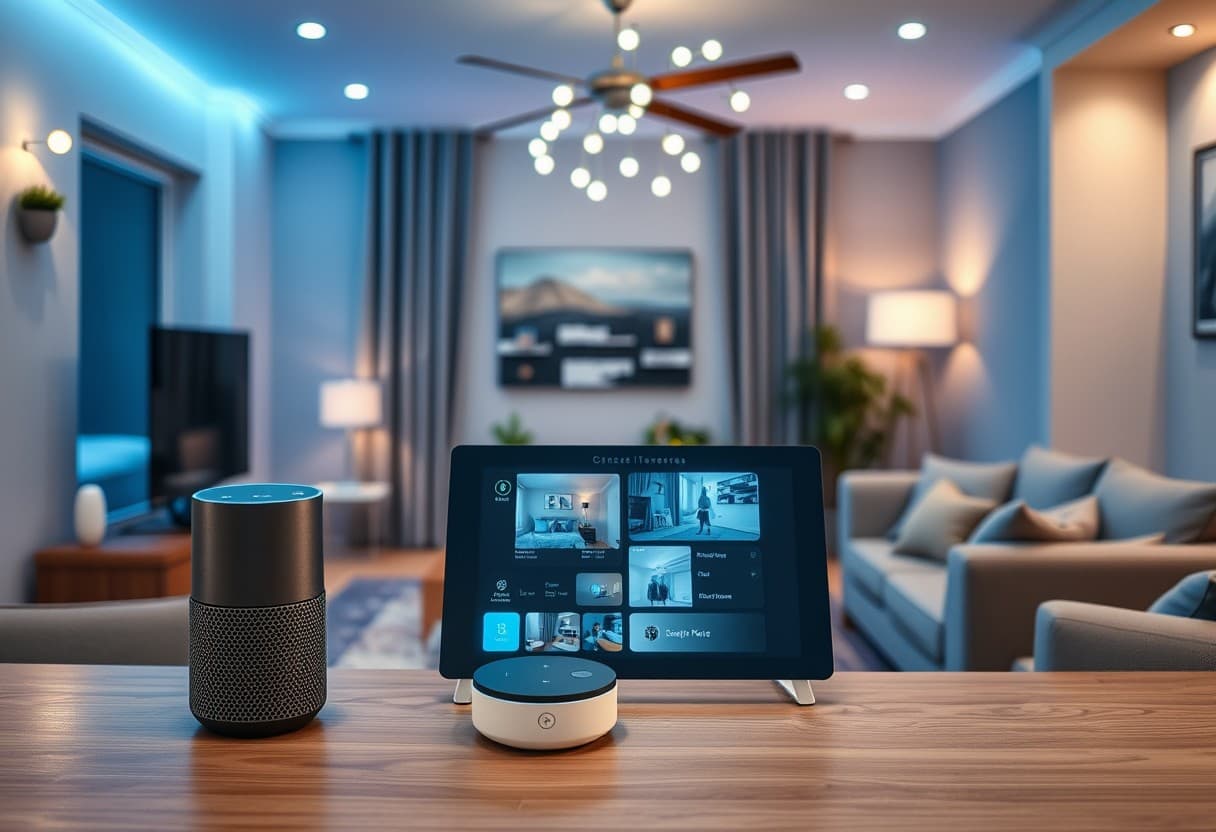
A camera in its own app is a camera you check after something has already happened. A camera connected to your security system is part of how the system responds. This is the difference between owning cameras and having security, and closing it is mostly a configuration job.
Here is how the integration works, in the order we do it.
1. Get the placement right first
No amount of integration rescues a badly aimed camera. Before anything is paired, walk the property after dark and mark:
- every approach to the house you cannot see from a window
- every door out of sight of the street
- the spot where deliveries are actually left
- any gate, side yard or alley that provides cover
Those are your positions. Mount at a height where a face is in frame — high enough to be out of reach, low enough that you are not looking at the top of everyone's head.
2. Bring the cameras onto the system, not just the network
Once cameras are on your Wi-Fi they work. Once they are enrolled with your security panel they cooperate. Enrolment is what lets the system reference a camera in a rule — and rules are where the value is.
If your panel supports it, keep the cameras and the alarm on the same account and the same app. Every extra app is one more place for a setting to be wrong and one more login for a family member not to have.
3. Build rules that connect sensors to views
The point of integration is that a sensor event can summon the matching picture. Useful rules:
- Door or window opens → record and clip the nearest camera. You get a short video of exactly the event, rather than a day of footage to search.
- Alarm triggers → all exterior lights on, all cameras record. Removes the cover an intruder needs and starts evidence at once.
- Doorbell pressed while Away → notification with a live view, so you can speak to whoever is there.
- Camera detects a person in a defined zone after midnight → alert. During the day the same motion is a delivery driver and should stay quiet.
4. Tune alerts until you trust them
An alert you ignore is worse than no alert, because it teaches you to ignore the next one. Set activity zones to exclude the road and the neighbour's driveway. Turn on person and vehicle filtering. Then live with it for a week and cut anything that fired for nothing.
The target is simple: every notification should be worth looking at.
5. Decide where footage lives
Local recording keeps working when the internet is out. Cloud recording survives someone walking off with the recorder. Homes that care about both keep both, with local storage as the working record and cloud for the events that matter.
Check your retention window and make sure it is long enough that you would still have the footage from a weekend away.
6. Test it like it is real
Arm the system and walk the property. Open a door. Trip each camera. Confirm the notifications arrive, the right clip is attached, and the lights do what you expected. An untested rule is a guess.
If you would like this set up properly — placement, enrolment, rules and a real walkthrough test — book a free consultation.
More from the blog
The Ultimate List Of Top Security Cameras For Your Smart Home
A rundown of the best smart-home security cameras available today, compared on video quality, night vision, smart integration, and overall value for protecting your home.
Future-Proof Your Home — 5 Smart Home Trends You Can't Ignore
Five trends shaping how homes will be wired, automated and secured over the next decade — and what homeowners should do today to stay ahead.
Choosing The Right Smart Home Lighting For Safety And Style
Smart lighting does more than set a mood — the right setup can deter intruders, automate safe paths through your home, and tie into your alarm system.
Protect what matters most.
Book a virtual consult and we'll design a system around your home.
Book a Consult